Goal
Start with the games you actually play
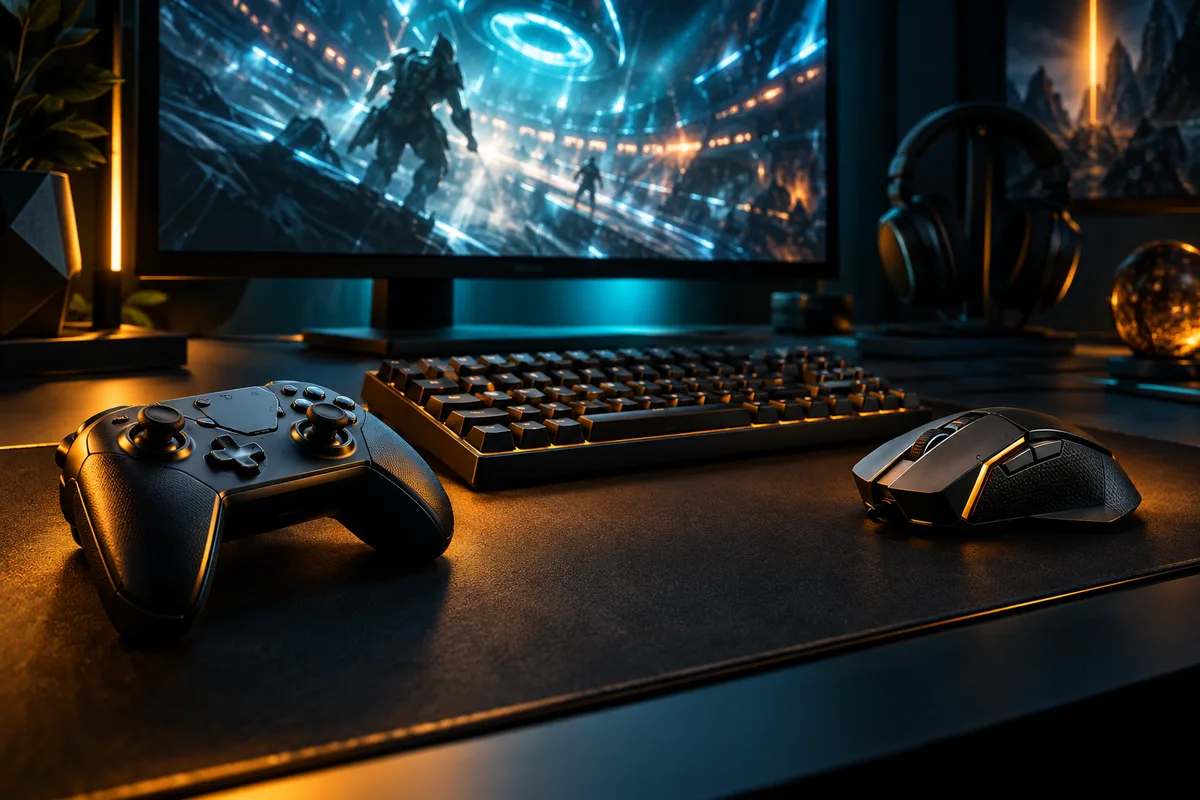
Write down your main games, the device you play on and what you want to improve. More space for your mouse? Clearer voice chat? A keyboard that works for both play and everyday typing? A specific goal makes it easier to decide what deserves your budget.
Take stock of what you already own before making a shopping list. If your mouse feels comfortable and your keyboard does everything you need, neither needs replacing just to complete a matching set.
Space
Make room before you add gear
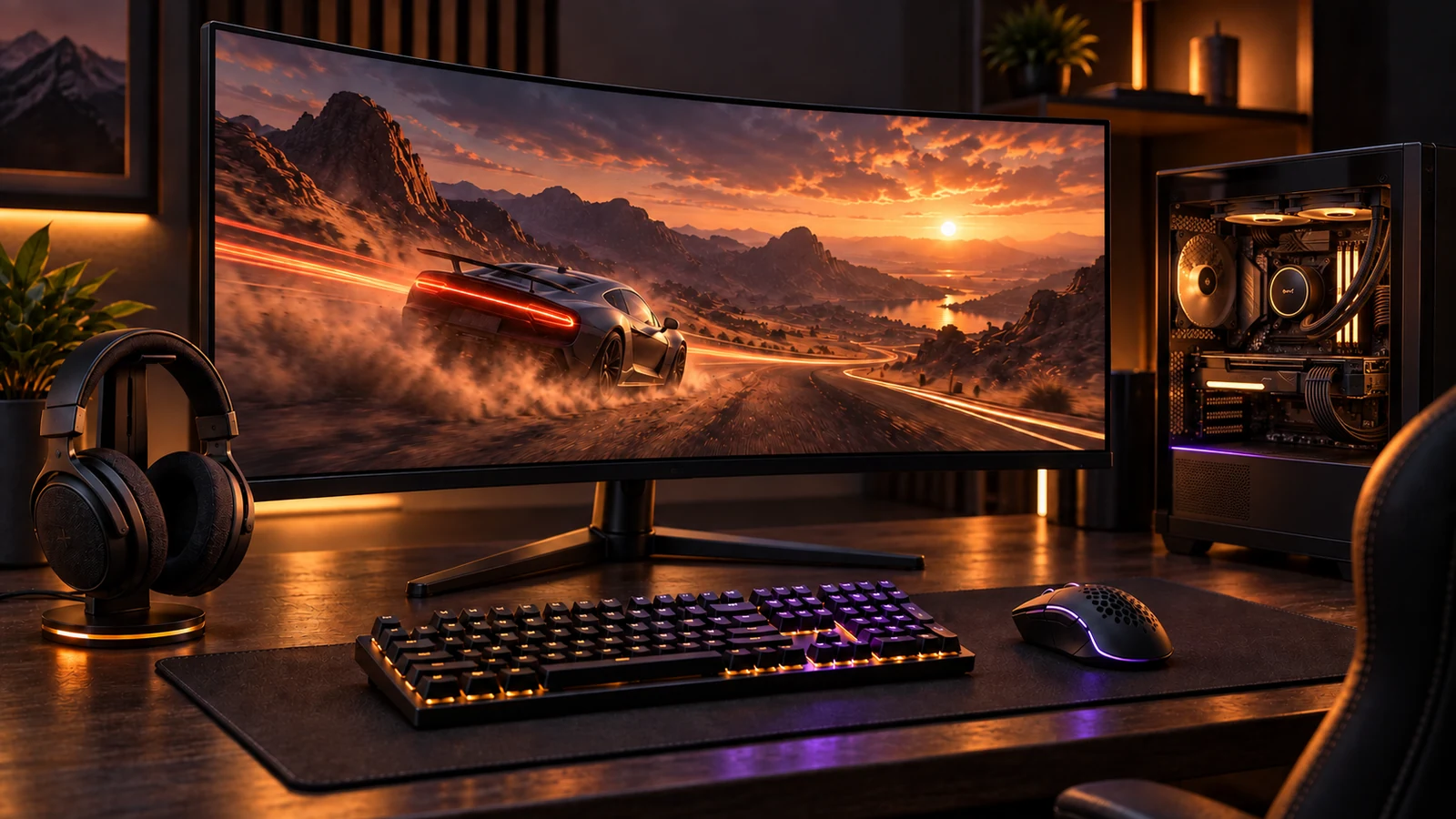
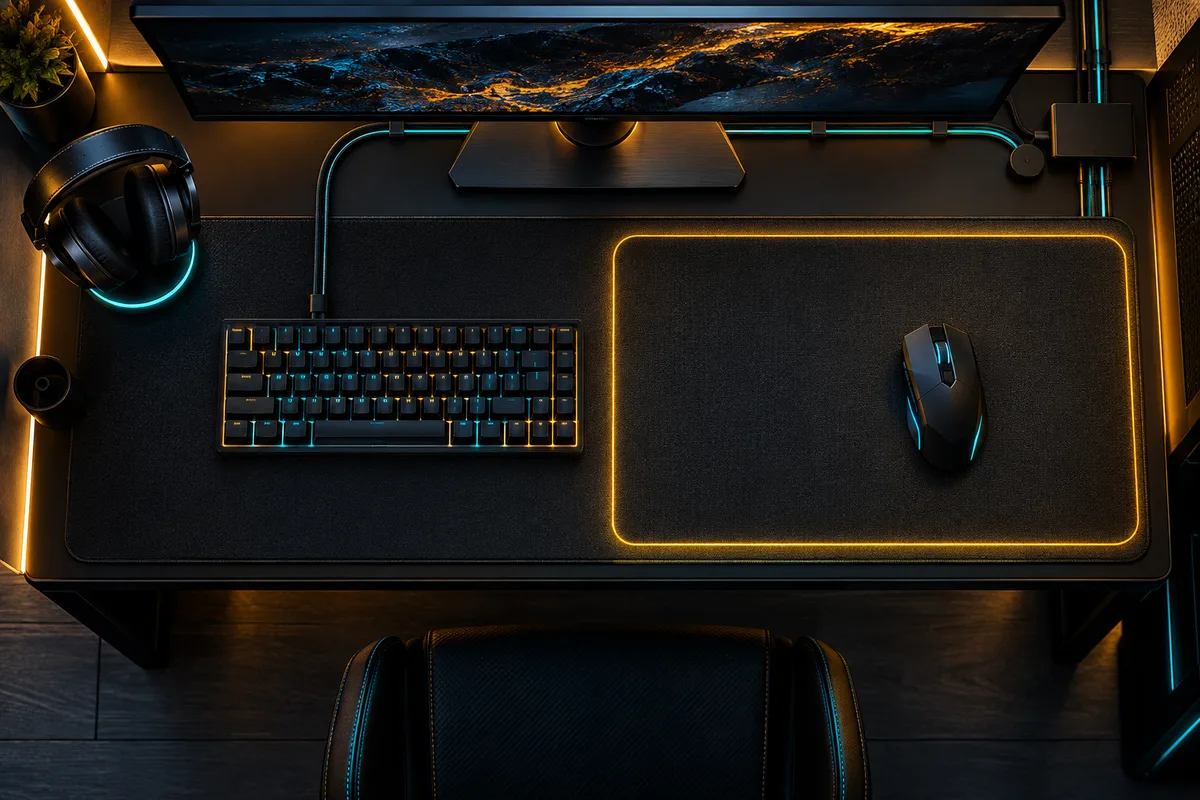
Measure the usable surface of your desk and note where the screen, keyboard and mouse will sit. Leave room for your usual mouse movement, as well as the cables and charging connections you use.
Sketch a layout before ordering anything. Include the screen stand, speakers if you use them, and somewhere to put a headset. A smaller keyboard is only useful if you can still reach the keys you need.
Upgrade
Choose one upgrade you can evaluate
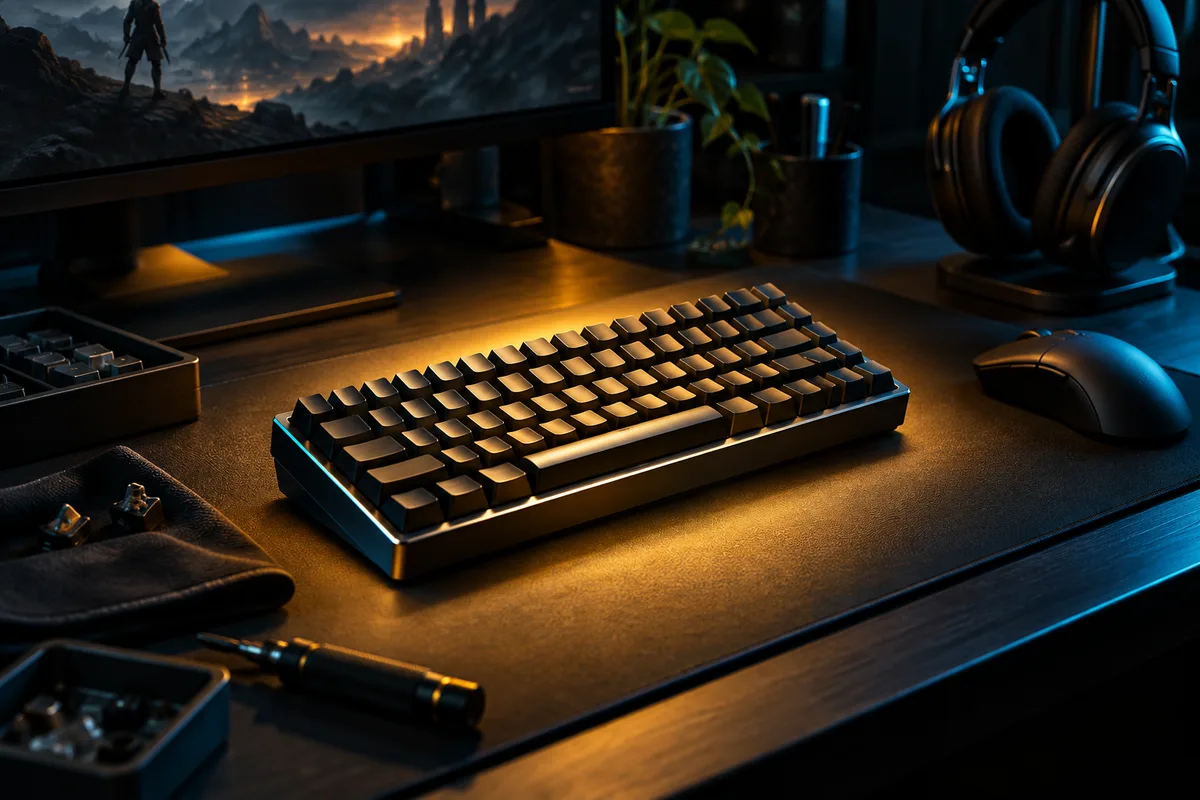
Rank the problems in your current setup, then address the most noticeable one first. Define what success would look like: a microphone your friends can understand, easier access to controls, or a layout that leaves more usable space.
Compare the exact model, connection requirements and return conditions before buying. After a change, spend time with your usual games before deciding what to upgrade next. Keep a short note of what improved and what did not.
DECISION MATRIX
Compare the checks that matter.
Use this summary to keep your decision focused before you compare specific options.
| Decision | Compare | Confirm before buying |
|---|---|---|
| Goal | The limitation you notice during normal play. | Name one result that would make the upgrade worthwhile. |
| Space | Desk dimensions, available ports and cable paths. | Measure the surface and plan cable or receiver placement. |
| Upgrade | The exact model, connection needs and return terms. | Change one item, keep conditions consistent and note the result. |
TRADE-OFFS
Choose the compromise that fits.
Neither option is universally better. Match the trade-off to your situation and verify the exact conditions.
OPTION 01
Keep what works
- Works when
- Your current gear is comfortable and already covers the controls you need.
- Watch for
- A matching look alone does not justify replacing useful equipment.
OPTION 02
Upgrade one constraint
- Works when
- You can name a specific problem and the result you want to improve.
- Watch for
- Changing several items at once makes the result harder to evaluate.
QUICK ANSWERS
Frequently asked questions.
What should I upgrade first in my gaming setup?
Rank the problems you notice during normal play and start with the most important one. Define what a successful change would improve before comparing products.
Does every part of a gaming setup need to match?
No. Keep equipment that is comfortable and already meets your needs. A coordinated appearance is not a reason to replace gear that still works well.
SOURCES & VERIFICATION
Check the primary guidance.
These official references support the general checks in this guide. For a specific product or service, confirm the current official documentation before buying or subscribing.