Layout
Choose the keys you need
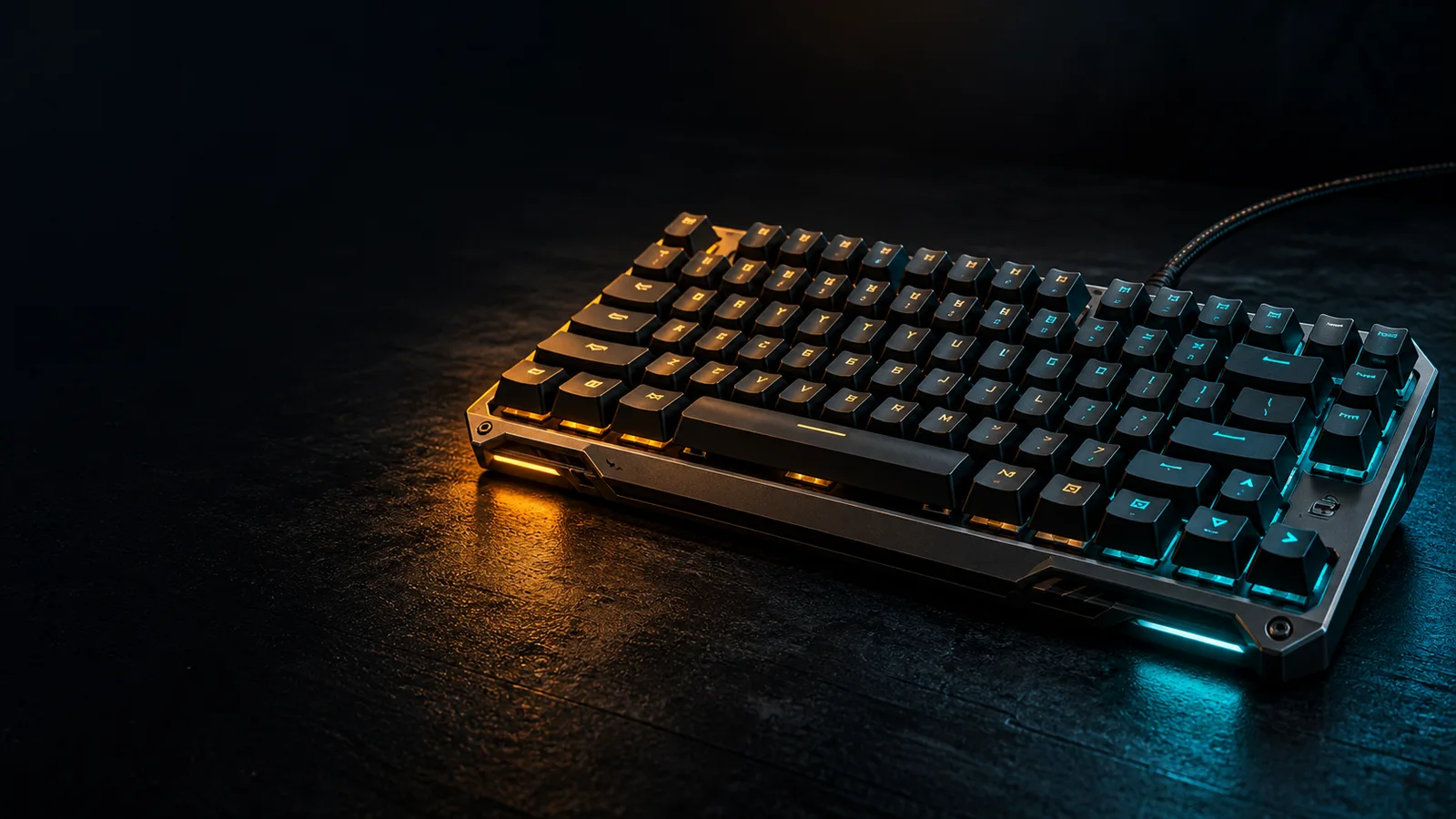
Start with the controls you use in games and in everyday work. Do you need a number pad, dedicated function keys or separate arrow keys? Check a photograph of the exact regional layout rather than relying only on a size label.
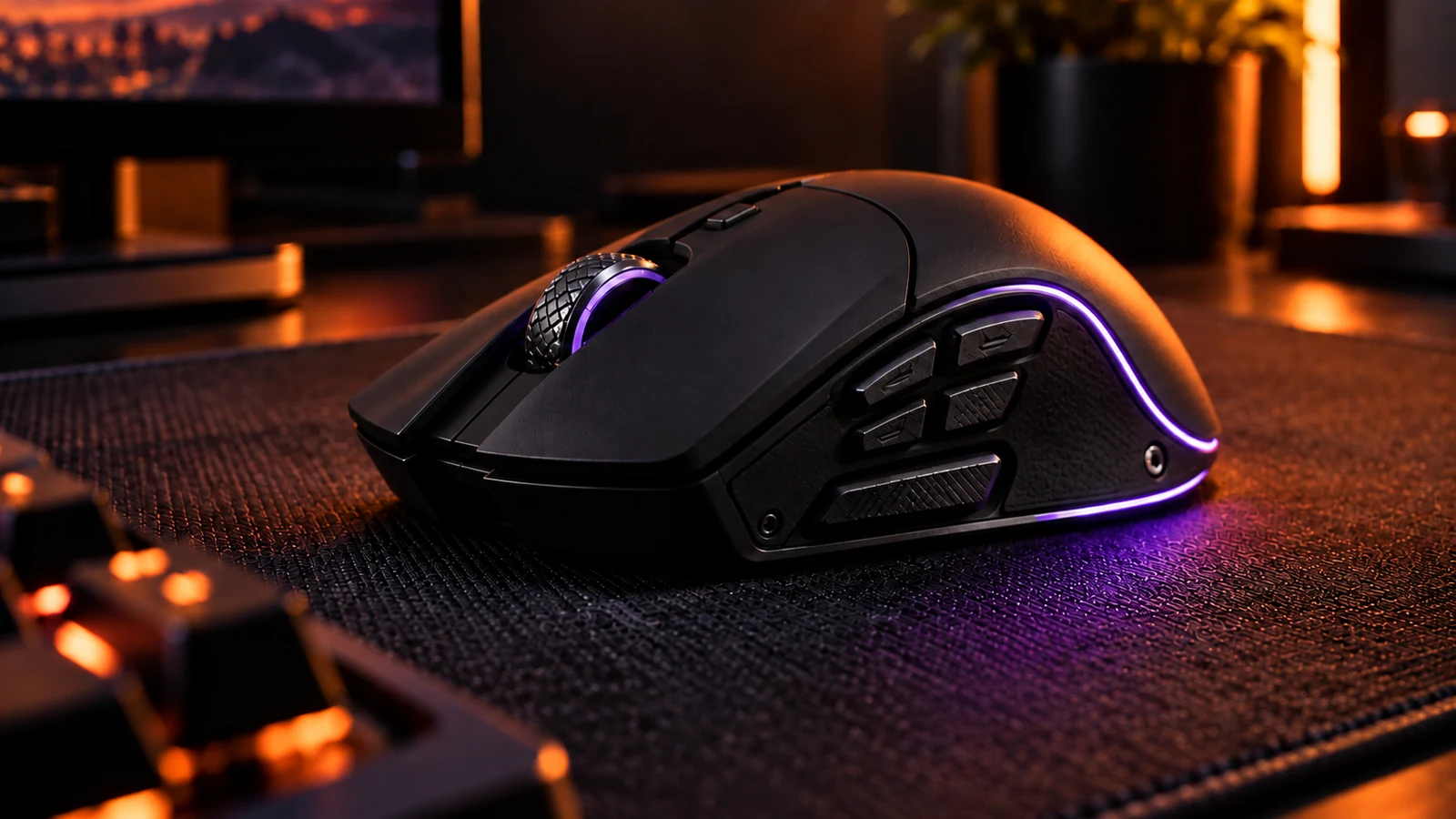
Measure the space left for your mouse with your current keyboard. Compact layouts can give you more room, but some move familiar functions behind key combinations. Read the manual to understand those combinations before committing.
Feel
Compare feel without chasing a label
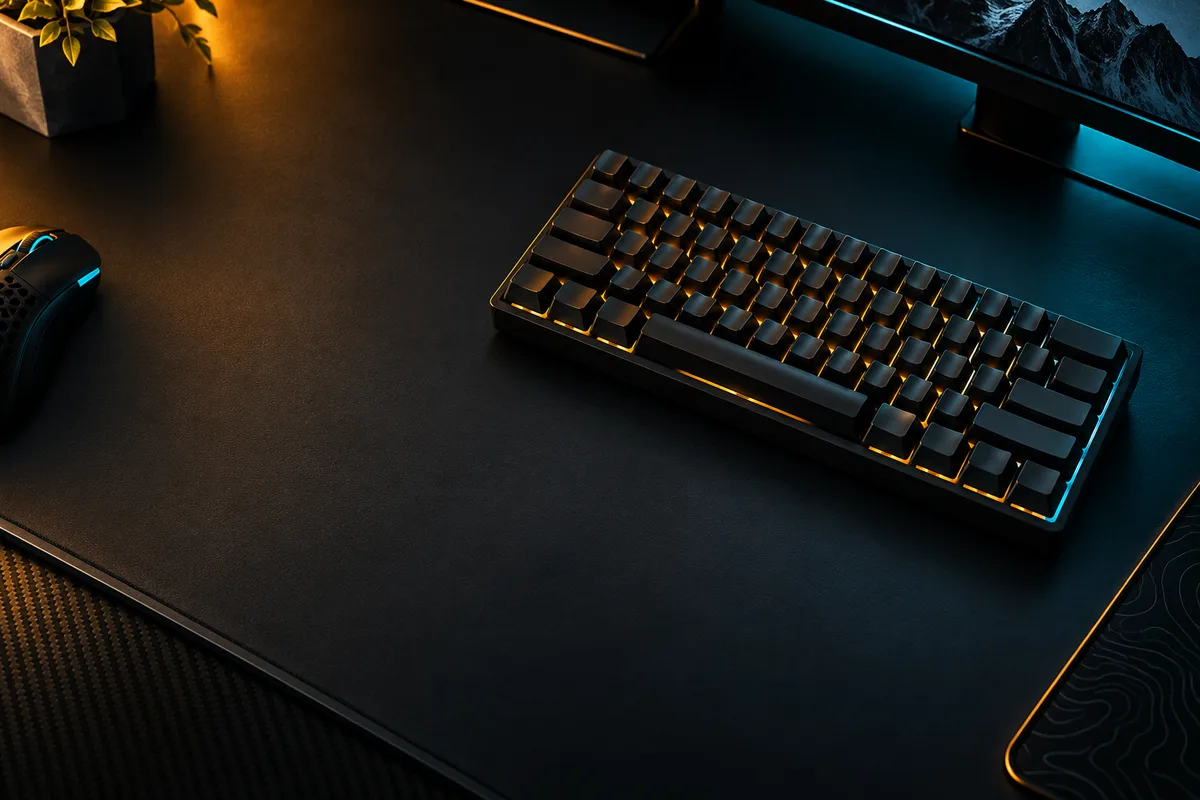
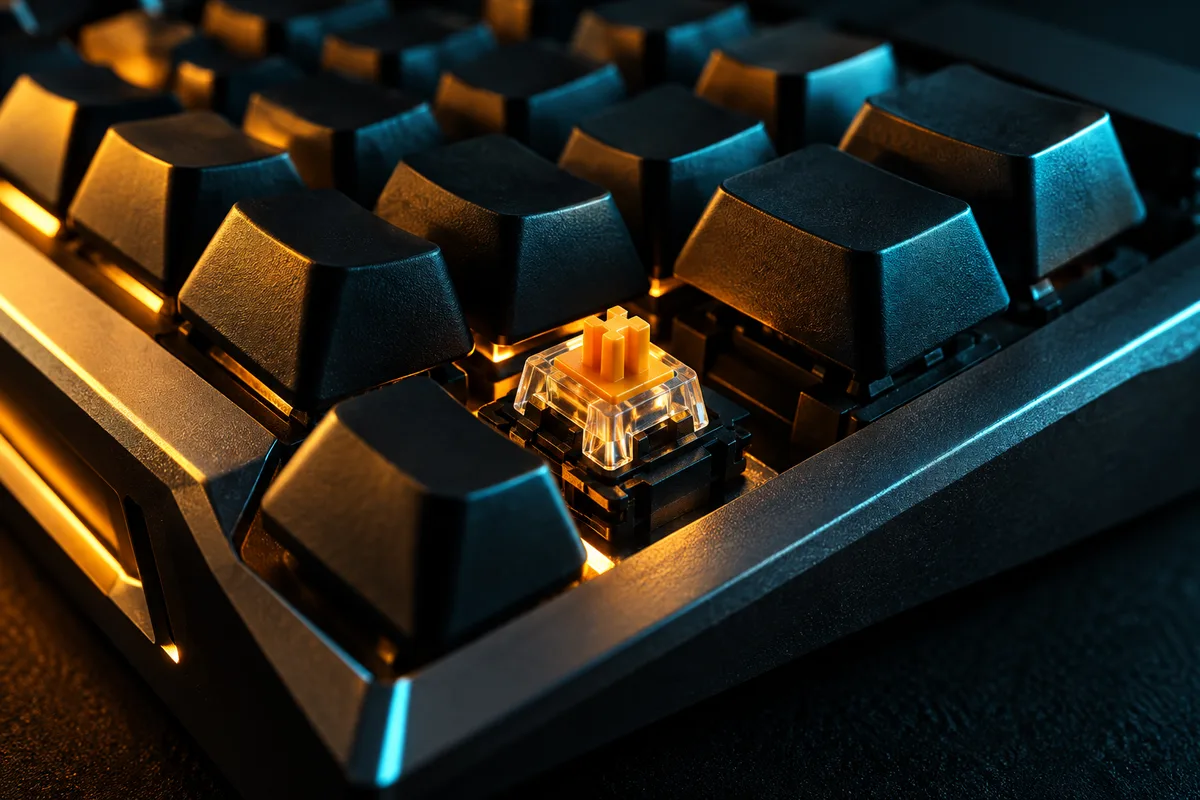
Key feel and sound are personal preferences. If possible, try the exact keyboard or a sample of its switches. A short recording can help you compare sounds, but the desk, microphone and room all affect what you hear.
Avoid treating a switch name as a complete description of a keyboard. Keycaps, the case and the assembly also change the experience. Check whether key remapping and the features you need work on your operating system.
Daily use
Check the everyday details
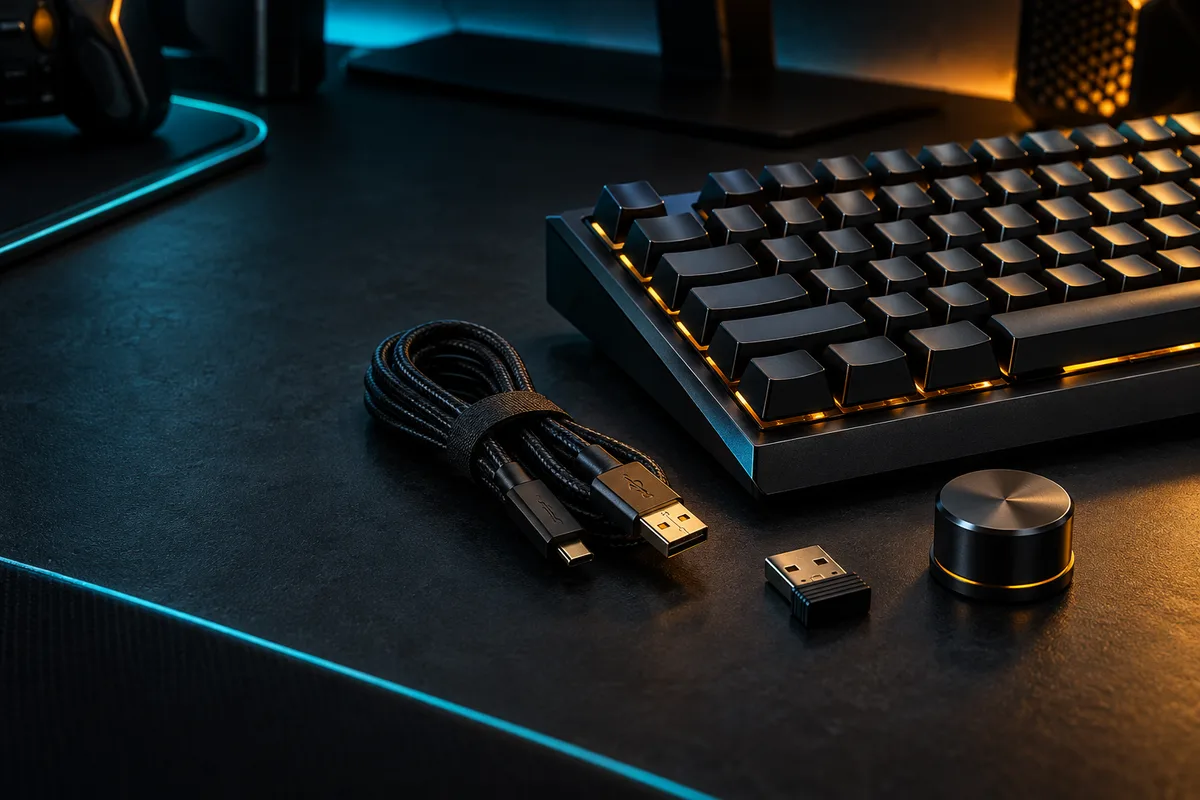
Confirm the connection modes, included cable and receiver, and whether the keyboard can be used while charging. For a shared room, consider sound as well as appearance. For a shared computer, check how profiles are stored.
Make a short list of must-have features and compare keyboards against it. This guide is a selection checklist, not a hands-on product ranking.
DECISION MATRIX
Compare the checks that matter.
Use this summary to keep your decision focused before you compare specific options.
| Decision | Compare | Confirm before buying |
|---|---|---|
| Layout | Required keys against the mouse space you want. | Check the exact regional layout and secondary key functions. |
| Feel | The complete keyboard, not only the switch name. | Try the exact board when possible and verify software support. |
| Daily use | Connection, charging, profiles and room noise. | Review the included accessories, warranty and return terms. |
TRADE-OFFS
Choose the compromise that fits.
Neither option is universally better. Match the trade-off to your situation and verify the exact conditions.
OPTION 01
Larger layout
- Works when
- You need a number pad, dedicated function keys or separate arrow keys.
- Watch for
- It leaves less room for mouse movement on the same desk.
OPTION 02
Compact layout
- Works when
- Mouse space matters more and your required keys remain easy to reach.
- Watch for
- Some familiar functions move behind key combinations.
QUICK ANSWERS
Frequently asked questions.
Which keyboard size should I choose for gaming?
Choose the smallest layout that still keeps the keys you need easy to reach. Measure how much mouse space it leaves and check where the exact model places secondary functions.
Is a switch name enough to compare keyboards?
No. Switches affect feel and sound, but the keycaps, case and assembly also change the experience. Try the exact keyboard when possible and verify its software support.
SOURCES & VERIFICATION
Check the primary guidance.
These official references support the general checks in this guide. For a specific product or service, confirm the current official documentation before buying or subscribing.