Measure the fit before the style
Start with the dimensions that determine whether you can sit naturally: seat height, seat depth, usable width and backrest height. Compare the manufacturer’s measurements with your body and desk rather than relying on a size label such as XL or compact.
Leave room for normal movement. A chair can fit between the desk and wall when upright but block the room when reclined, or its armrests can collide with the desktop. Measure the complete footprint, not only the base.
Check support and real adjustments
Separate the backrest shape from the support you can control. Look for seat height, recline tension, backrest angle, armrest height and width, and any lumbar adjustment. A loose cushion may be useful, but it is not the same as an integrated adjustment range.
Consider your normal session and posture changes. You should be able to keep your feet supported, bring the desk to a workable height and move your arms without the side bolsters forcing one position.
Verify materials, delivery and the exit path
Compare the covering, padding, base, casters and replacement parts against how you use the chair. Materials affect heat, cleaning and wear, while a heavy chair changes delivery, assembly and return logistics. Save the exact model, measurements, included parts and warranty before ordering.
Check the return window, return shipping, restocking terms and the condition required for a return. Keep the packaging until the chair has passed a real session at your desk. A discount is not useful if the wrong fit is expensive to send back.
DECISION MATRIX
Compare the checks that matter.
Use this summary to keep your decision focused before you compare specific options.
| Decision | Compare | Confirm before buying |
|---|---|---|
| Fit | Seat height, depth, width and the usable backrest. | Compare the manufacturer measurements with your body and desk height. |
| Support | Backrest shape, lumbar adjustment, recline and armrest range. | Check which adjustments are real controls rather than removable cushions. |
| Room | Footprint, wheel clearance, desk clearance and floor protection. | Measure the space with the chair reclined and the armrests at their widest. |
TRADE-OFFS
Choose the compromise that fits.
Neither option is universally better. Match the trade-off to your situation and verify the exact conditions.
OPTION 01
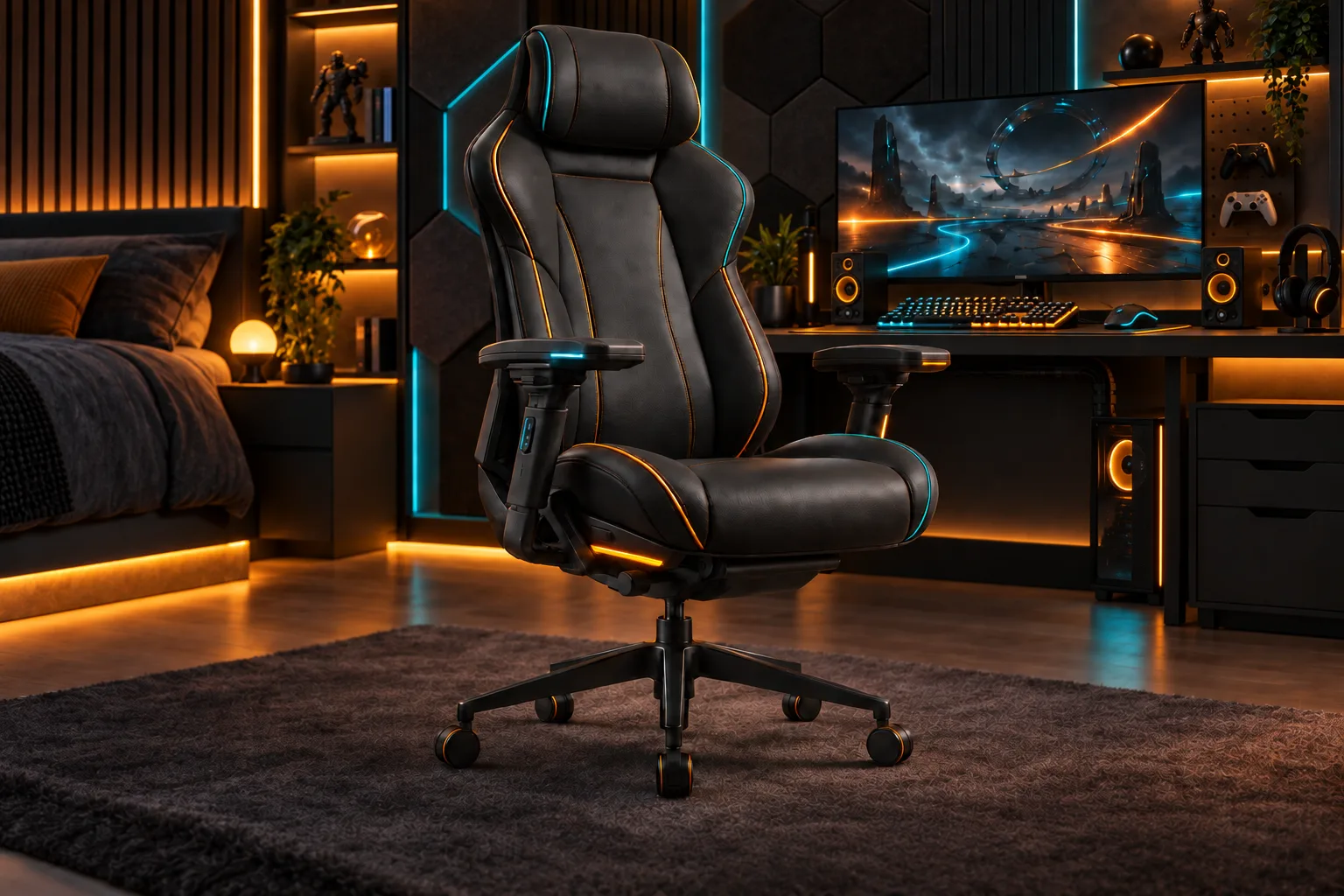
Choose a racing-style chair
- Works when
- You want a high backrest, recline and a specific visual style that fits your measurements.
- Watch for
- Raised side bolsters and fixed cushions can restrict posture and usable seat space.
OPTION 02
Choose an office-style chair
- Works when
- Adjustability, a flatter seat and long-session flexibility matter more than the gaming look.
- Watch for
- Check the seat depth, armrest range and warranty instead of assuming every office chair is suitable.
QUICK ANSWERS
Frequently asked questions.
Are gaming chairs better than office chairs?
Neither label guarantees a better fit. Compare the measurements, adjustments, materials, warranty and return path for the way you sit and play.
Is a footrest or lumbar cushion enough to fix a bad fit?
Accessories can change comfort, but they do not replace the right seat depth, height, width or back support. Start with the chair’s basic dimensions.
What should I measure before buying a gaming chair?
Measure your desk height, available floor area, door or stair clearance, and the chair’s seat height, depth, width and reclined footprint.
SOURCES & VERIFICATION
Check the primary guidance.
These official references support the general checks in this guide. For a specific product or service, confirm the current official documentation before buying or subscribing.
Keep this checklist beside your shortlist and check the exact product documentation before you buy.
Explore more gear guides →