Shape
Use your current mouse as a reference
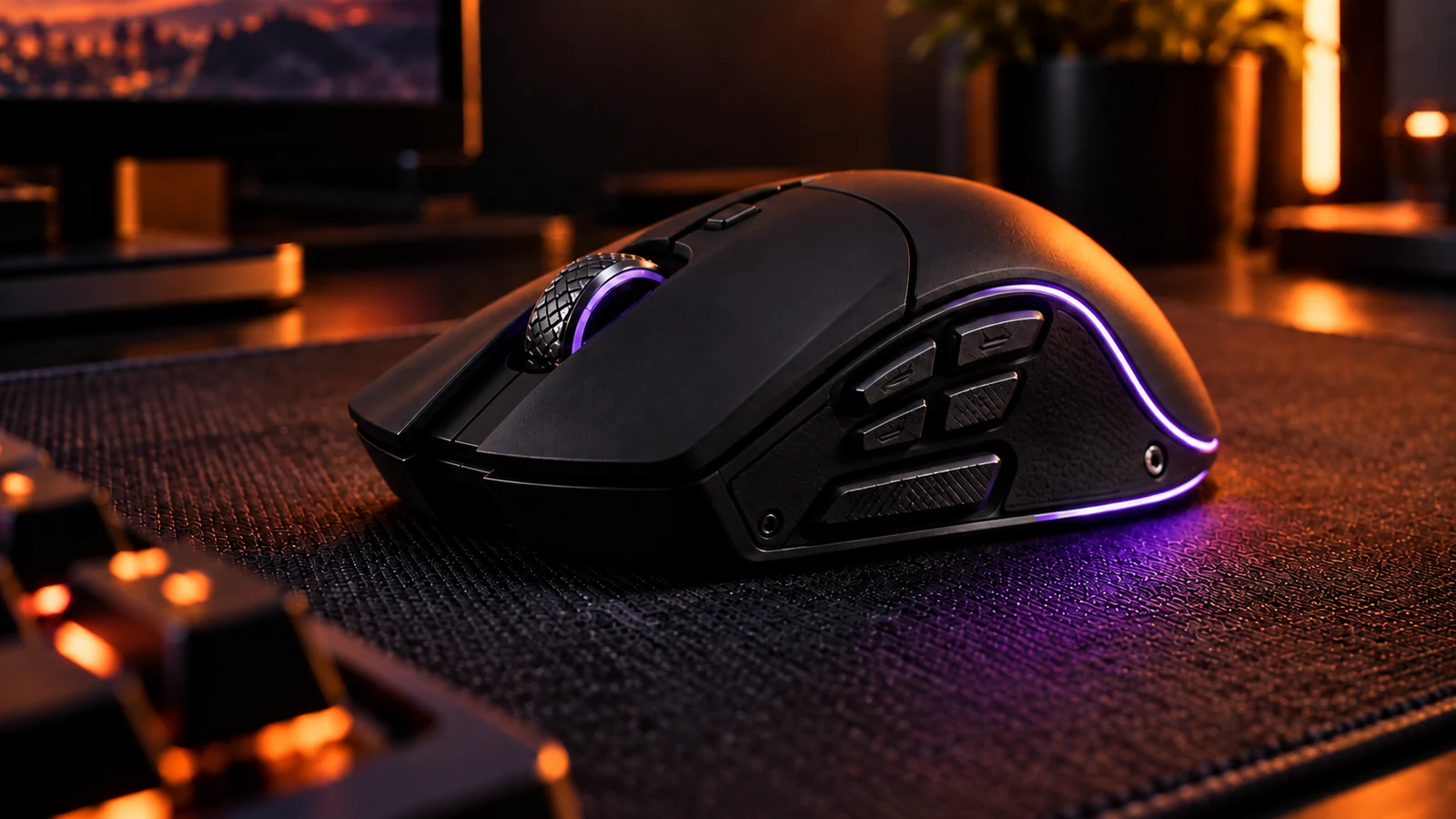
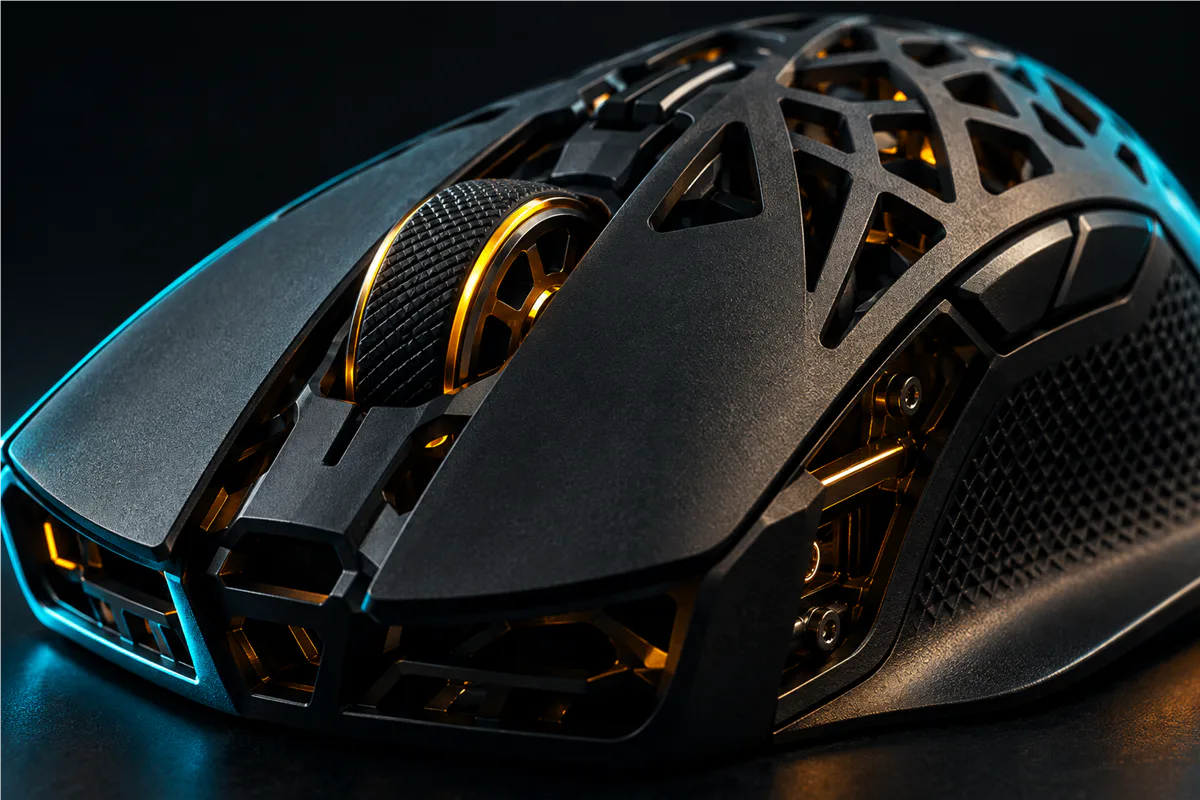
Note what you like and dislike about the mouse you already use. Can you reach the side buttons naturally? Do you prefer a taller or flatter shape? Compare the dimensions of a potential replacement with something familiar.
If you can try it in person, use the same grip and movement you use in a game. A product photo and a weight figure cannot tell you how a shape will feel in your hand.
Connection
Match the connection to your setup
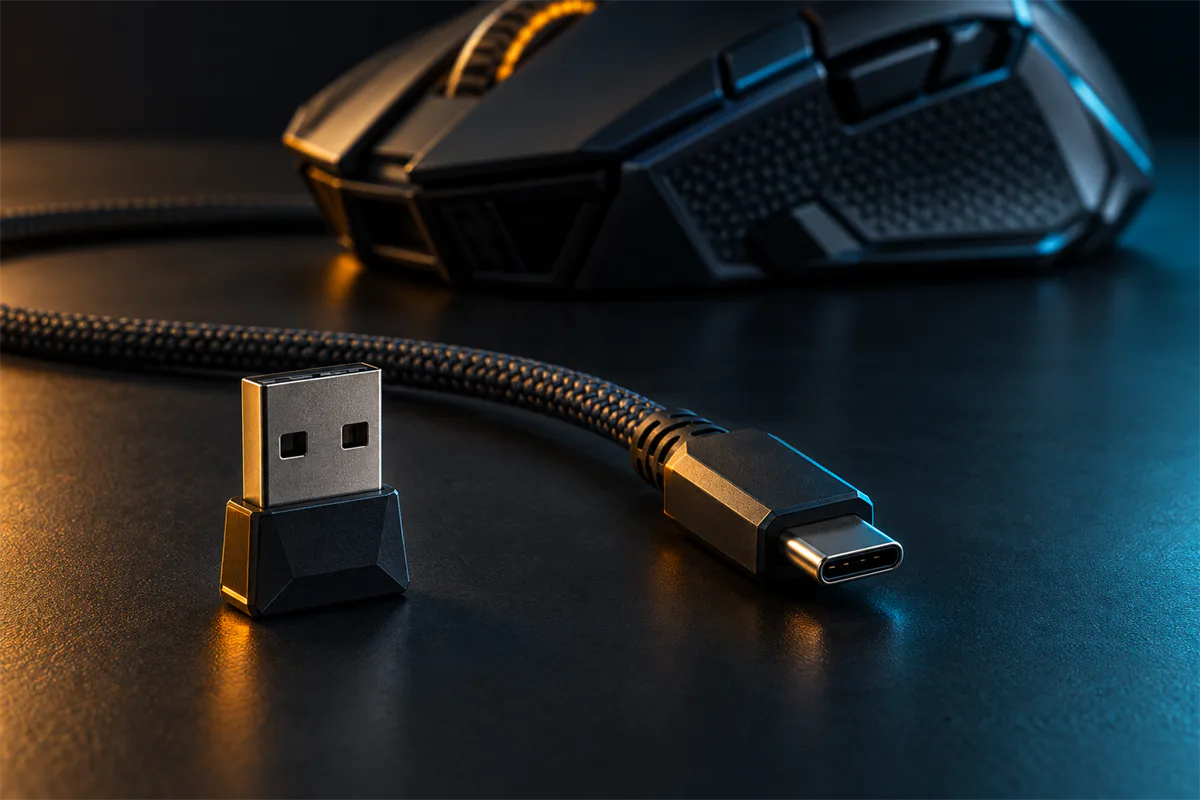
Check whether the mouse uses a cable, a dedicated wireless receiver, Bluetooth, or a combination. Verify that the mode you intend to use is supported by your computer or console and that you have the necessary port.
For wireless models, look at charging, receiver storage and the manufacturer’s placement guidance. For a wired mouse, check cable length and make sure the cable can move freely across your desk.
Controls
Make the controls work for you
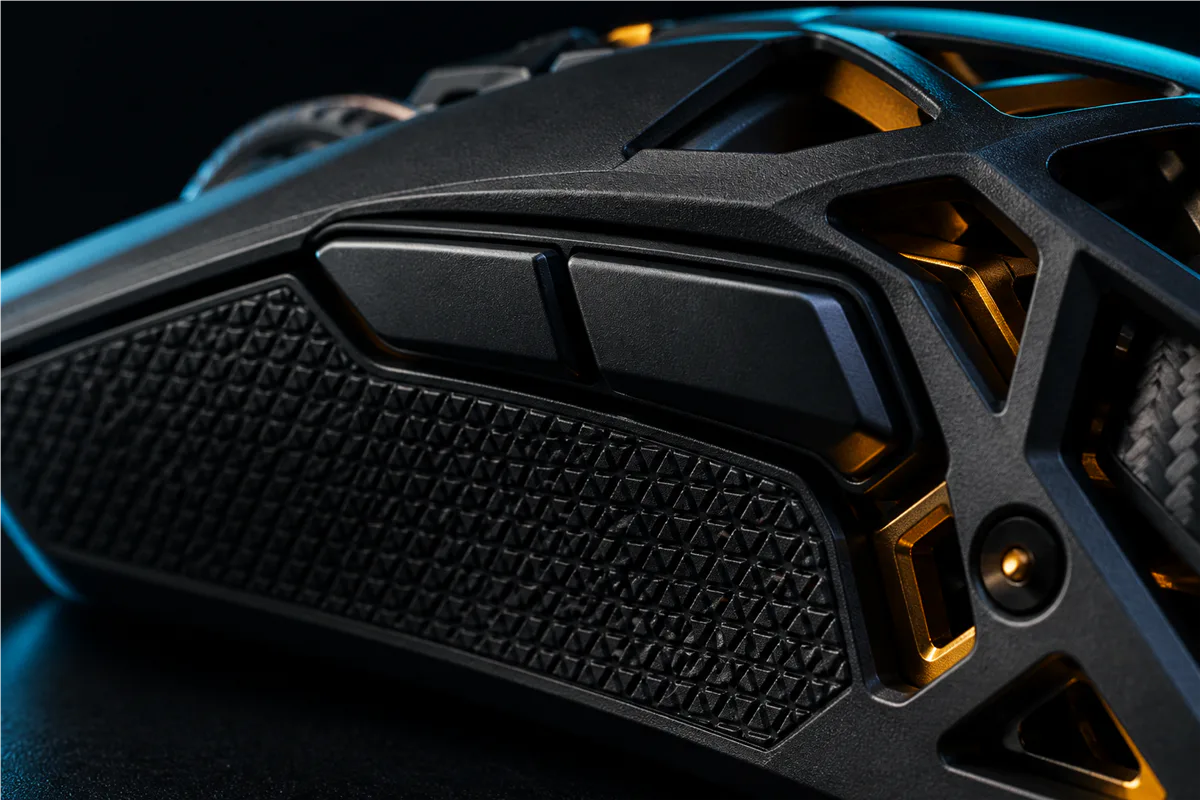
List the buttons and bindings you actually need. Verify whether remapping requires software and whether settings stay on the device when you move between computers. Check the manual for the exact model.
After a change, keep your game and pointer settings consistent while you evaluate it. Adjust one setting at a time so you can tell what made a difference. There is no single sensitivity setting that is right for every player.
DECISION MATRIX
Compare the checks that matter.
Use this summary to keep your decision focused before you compare specific options.
| Decision | Compare | Confirm before buying |
|---|---|---|
| Fit | Shape, dimensions and access to the side buttons. | Use your current mouse and normal grip as the reference. |
| Connection | Cable, wireless receiver and Bluetooth options. | Verify platform support, ports, charging and cable routing. |
| Controls | Buttons, remapping software and onboard settings. | Check the exact manual and how settings are stored. |
TRADE-OFFS
Choose the compromise that fits.
Neither option is universally better. Match the trade-off to your situation and verify the exact conditions.
OPTION 01
Wired connection
- Works when
- A free port and cable path fit your desk and normal movement.
- Watch for
- Cable length and drag can affect how freely the mouse moves.
OPTION 02
Wireless connection
- Works when
- Your platform supports the receiver or Bluetooth mode you plan to use.
- Watch for
- Charging and receiver placement become part of the setup.
QUICK ANSWERS
Frequently asked questions.
Should I choose a gaming mouse by weight or sensor specifications?
Start with shape, dimensions and button reach. Weight and sensor figures are useful comparison points only after the mouse fits your grip and normal movement.
Is a wired or wireless mouse better for my setup?
Choose according to your available ports and desk. For wireless, check charging and receiver placement. For wired, check cable length and freedom of movement.
SOURCES & VERIFICATION
Check the primary guidance.
These official references support the general checks in this guide. For a specific product or service, confirm the current official documentation before buying or subscribing.