Platform
Check the exact platform connection
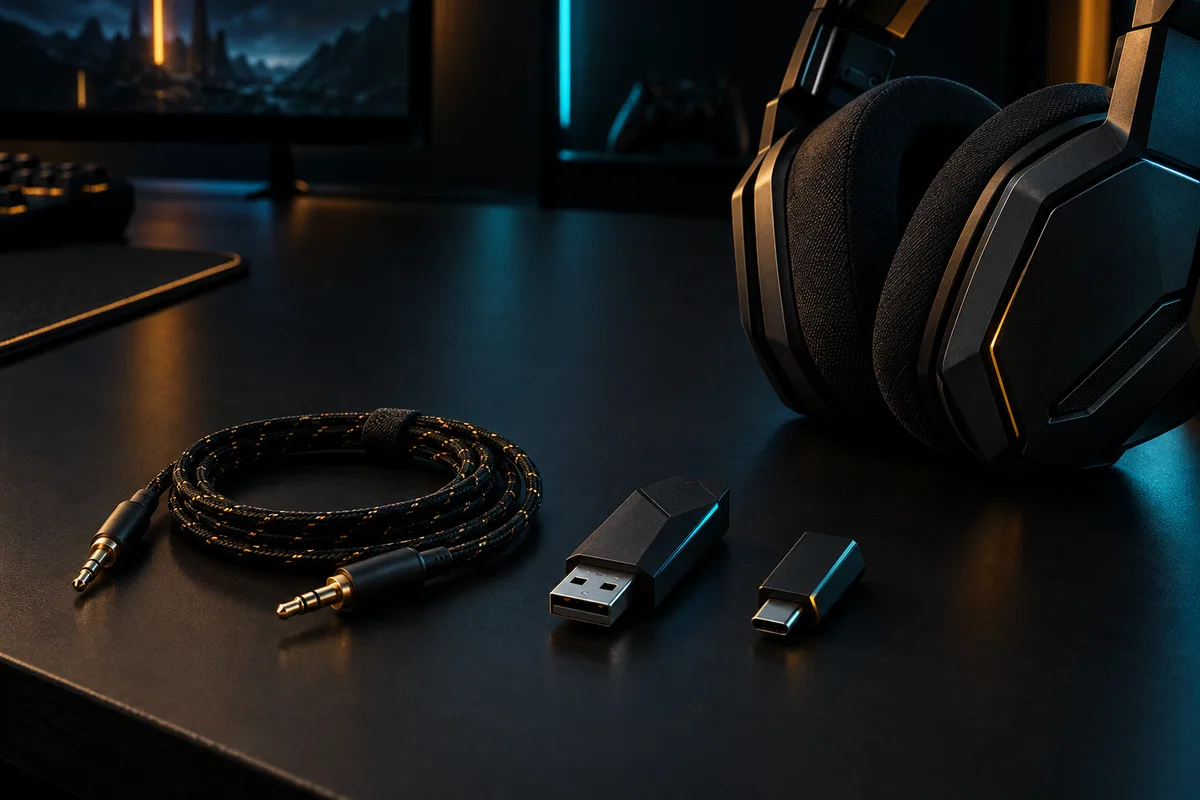
Start with the computer or console you use. Check the manufacturer’s compatibility list for both playback and microphone support, using the exact model and connection mode. A connector that fits does not by itself confirm that every feature will work.
List the ports you can reach and any adapter you would need. If you switch between devices, check what is involved in reconnecting and whether simultaneous connections are actually supported.
Voice chat
Think about how you use voice chat
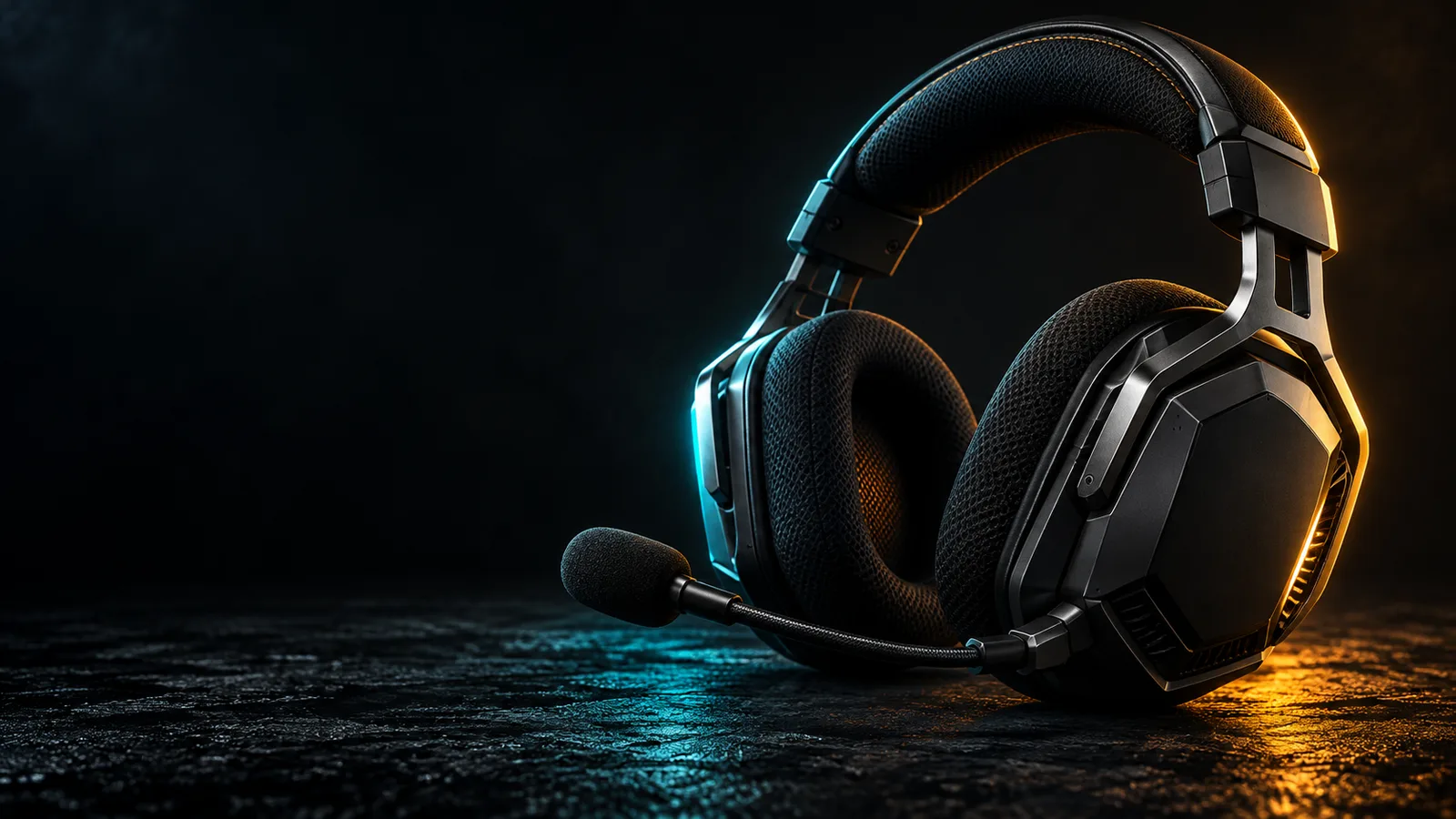
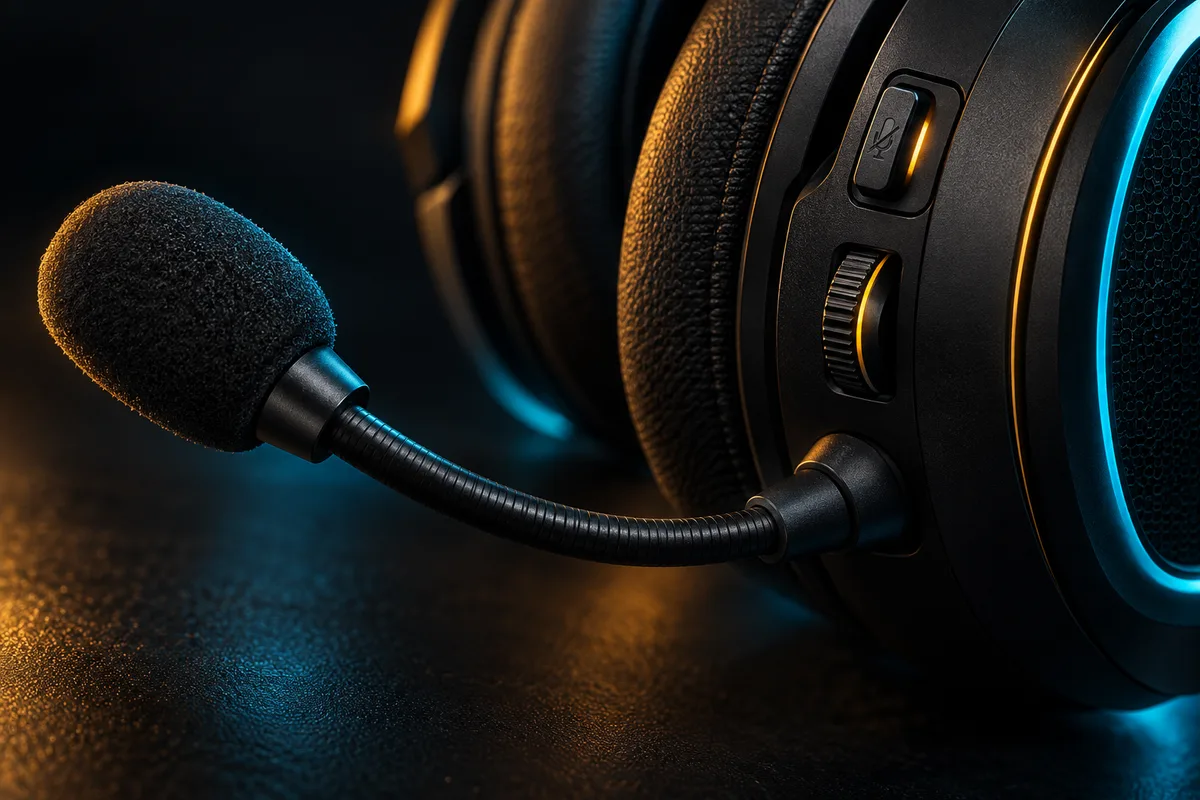
Decide whether you want a headset with an integrated microphone or separate headphones and a microphone. Check where mute and volume controls are located, and how you can confirm that mute is active.
Use your chat application’s microphone test to listen to a recording in your normal room. Adjust the input device and level before assuming that new hardware is necessary. Keep test conditions consistent when comparing equipment.
Daily use
Check what living with it will be like
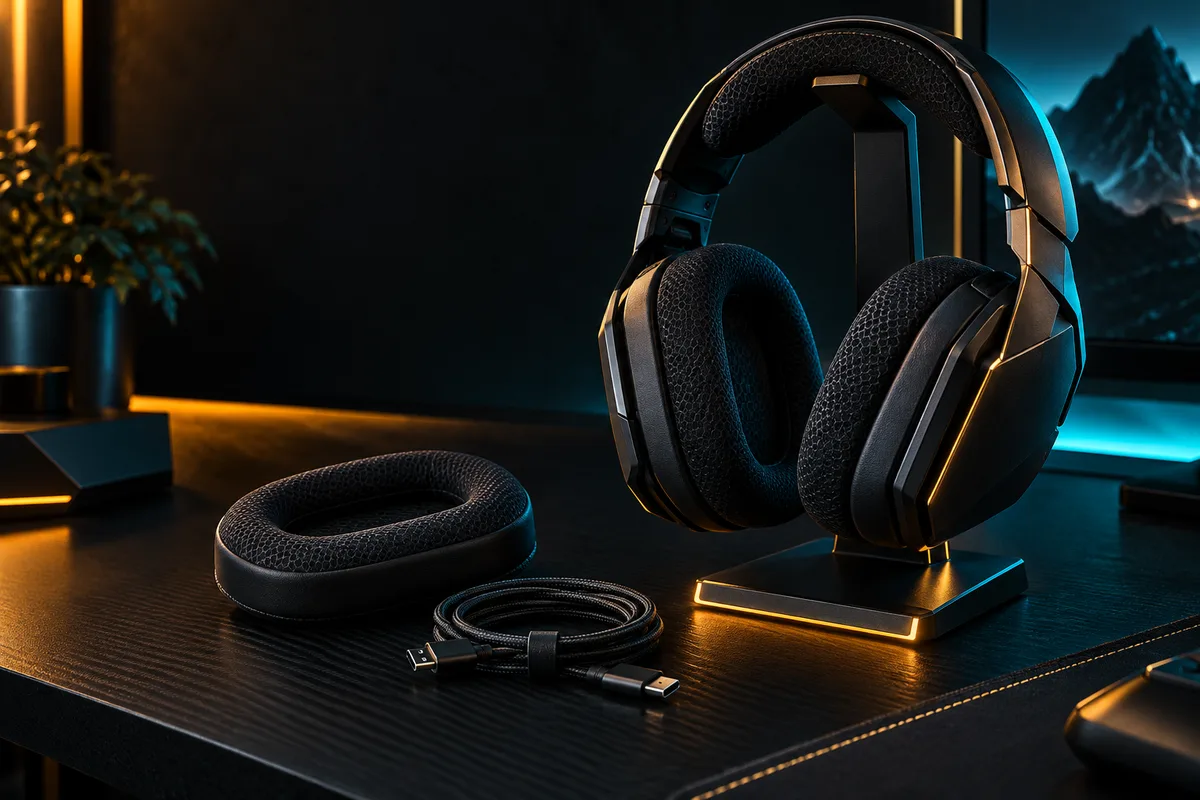
Try the fit when possible, including with glasses if you normally wear them. Check whether cushions, cables or other frequently handled parts can be replaced, and review the available warranty and return conditions.
For wireless equipment, confirm the charging connector and whether listening and microphone use are supported while charging. Treat advertised battery figures as conditions to investigate, rather than a promise for every use case.
DECISION MATRIX
Compare the checks that matter.
Use this summary to keep your decision focused before you compare specific options.
| Decision | Compare | Confirm before buying |
|---|---|---|
| Platform | Playback, microphone and control support. | Verify the exact model and connection mode with the manufacturer. |
| Voice chat | Microphone type, mute control and input level. | Record a test in your normal room under consistent conditions. |
| Daily use | Fit, charging, replaceable parts and switching devices. | Review charging behavior, warranty and return conditions. |
TRADE-OFFS
Choose the compromise that fits.
Neither option is universally better. Match the trade-off to your situation and verify the exact conditions.
OPTION 01
Integrated headset
- Works when
- You want playback and voice chat in one device with reachable controls.
- Watch for
- Confirm microphone, mute and platform support for the exact connection mode.
OPTION 02
Separate headphones and microphone
- Works when
- You want to choose listening and microphone hardware independently.
- Watch for
- It needs more connections, space and configuration.
QUICK ANSWERS
Frequently asked questions.
Does a matching audio connector guarantee compatibility?
No. Confirm playback, microphone and control support for the exact platform and connection mode using the manufacturer’s compatibility information.
Should I replace my headset if voice chat sounds unclear?
Test the selected input device and microphone level in your chat application first. Record under consistent conditions before deciding that different hardware is necessary.
SOURCES & VERIFICATION
Check the primary guidance.
These official references support the general checks in this guide. For a specific product or service, confirm the current official documentation before buying or subscribing.