Performance
Start with the games and performance you want
List the games you play most and separate fast competitive titles from slower, detail-heavy ones. A higher refresh rate can make supported fast motion feel smoother, but the useful target still depends on the frame rate your system can produce and the display modes the game supports.
Use official system requirements as a starting point, then look for measured performance that matches your processor, graphics hardware, resolution and settings. Do not choose a refresh-rate target from the monitor specification alone.
Detail
Balance resolution with screen size
Resolution describes how many pixels make up the image. Compare it together with physical screen size and your normal viewing distance: the same resolution can look different across different sizes, while a larger desktop workspace may matter outside games.
Treat resolution and refresh rate as a combination. Windows can expose refresh rates that require a resolution change, so confirm the exact mode you plan to use instead of assuming every advertised maximum works at the same time.
Signal path
Verify every part of the signal path
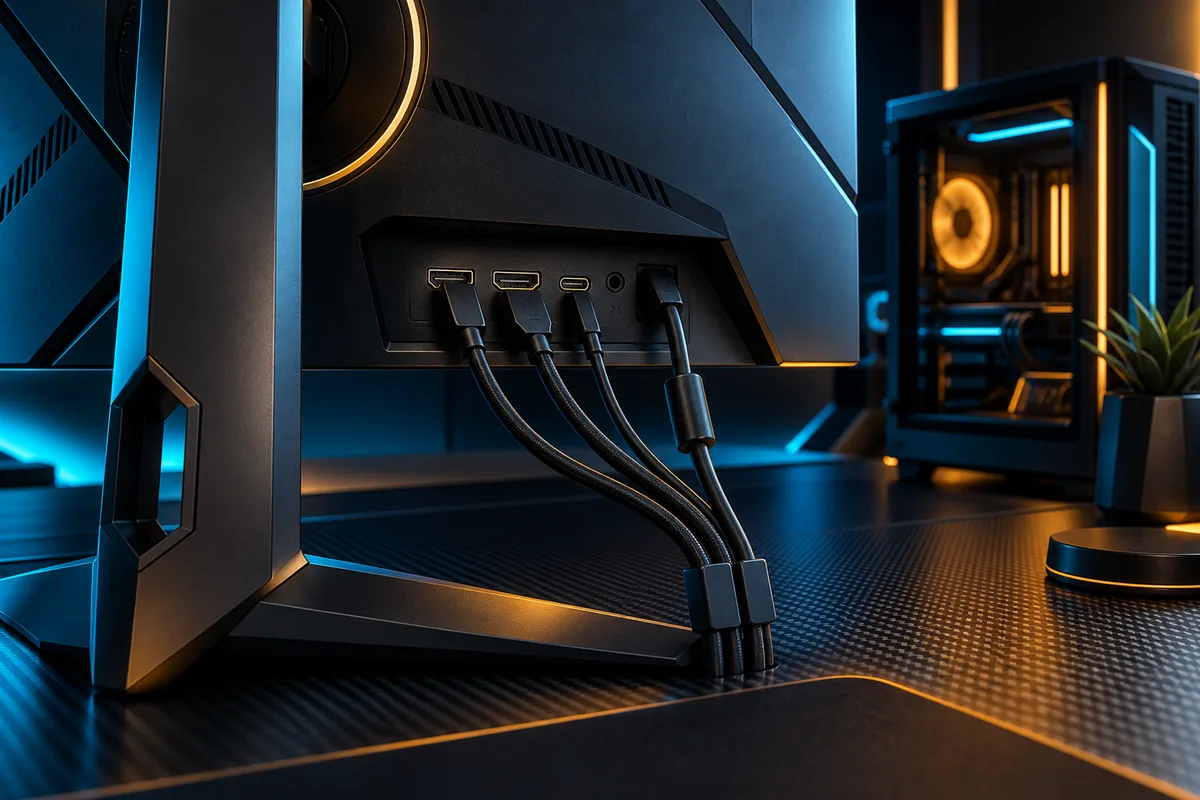
The graphics output or console, monitor input and cable must all support the intended display mode. Check the exact manuals for supported resolution and refresh-rate combinations, then confirm the active result in Windows or your console settings.
Check variable refresh rate and HDR separately because support can vary by input and mode. PlayStation, for example, exposes the connected display’s resolution, VRR and HDR capabilities in its video-output information; use equivalent platform tools to verify the final connection.
DECISION MATRIX
Compare the checks that matter.
Use this summary to keep your decision focused before you compare specific options.
| Decision | Compare | Confirm before buying |
|---|---|---|
| Performance target | Your games, settings and the frame rates your system can sustain. | Check official requirements and relevant measured performance for your hardware. |
| Image target | Resolution, screen size and viewing distance. | Confirm the exact resolution and refresh-rate combination you intend to use. |
| Signal path | Graphics output, monitor input, cable and supported display modes. | Verify VRR, HDR and maximum modes across every part of the connection. |
TRADE-OFFS
Choose the compromise that fits.
Neither option is universally better. Match the trade-off to your situation and verify the exact conditions.
OPTION 01
Prioritize refresh rate
- Works when
- Fast motion and responsiveness matter most and your system can deliver the target frame rate.
- Watch for
- Do not sacrifice the resolution or screen size you need for other games and everyday use.
OPTION 02
Prioritize resolution
- Works when
- Fine detail, larger workspaces and slower-paced games matter more.
- Watch for
- Higher resolution can change the refresh modes available and the performance target your system must meet.
QUICK ANSWERS
Frequently asked questions.
Is a higher refresh rate always the better choice for gaming?
No. It is useful only when the display, connection, platform and game support the mode and your system can produce a suitable frame rate. Choose it alongside resolution, not in isolation.
Can every monitor use its highest resolution and highest refresh rate at the same time?
Not necessarily. Supported combinations depend on the exact monitor, graphics output, input port and cable. Check the manual and confirm the active mode in your platform’s display settings.
SOURCES & VERIFICATION
Check the primary guidance.
These official references support the general checks in this guide. For a specific product or service, confirm the current official documentation before buying or subscribing.