Constraint
Find the repeating constraint before you shop
Name the symptom you can reproduce: stutter, low image detail, slow loads or background contention. One unusual moment is not enough to identify a component; repeat the same game, settings, display target and scene while observing the system.
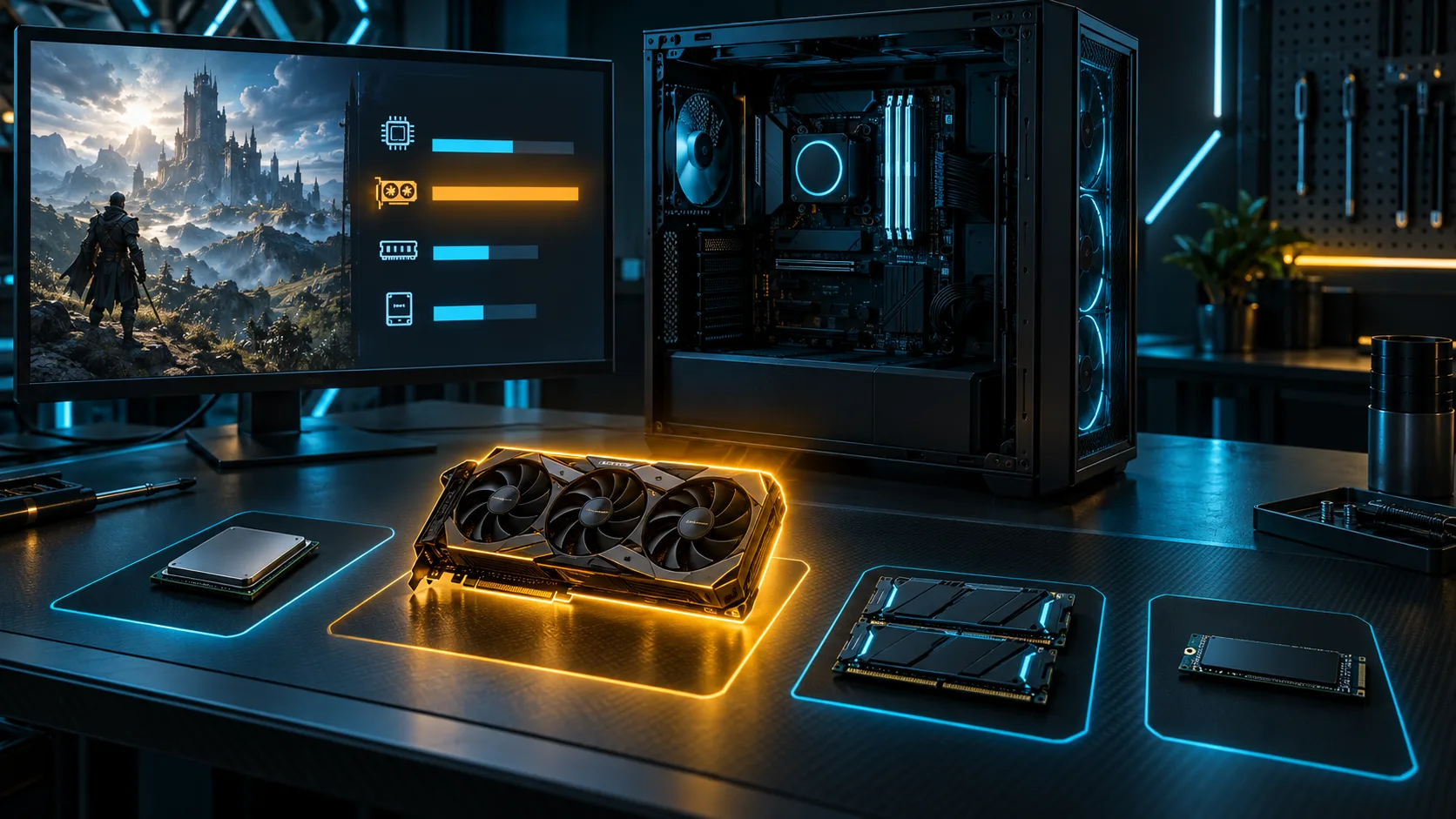
Use the Windows task and performance views alongside the game’s official requirements as evidence, not as a substitute for testing. Record what changes when the problem appears so your upgrade has a clear target.
Compatibility
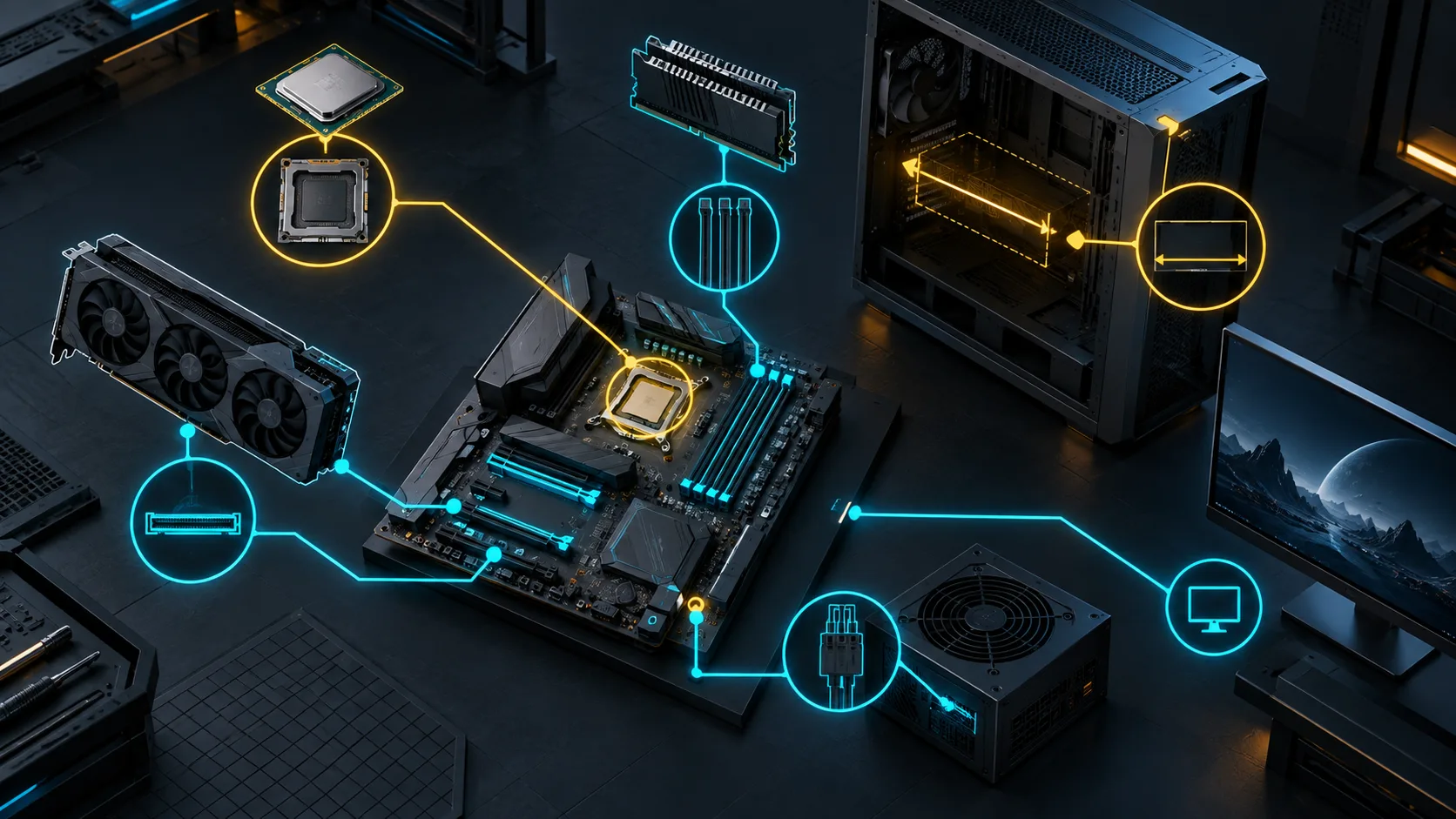
Trace the whole compatibility path
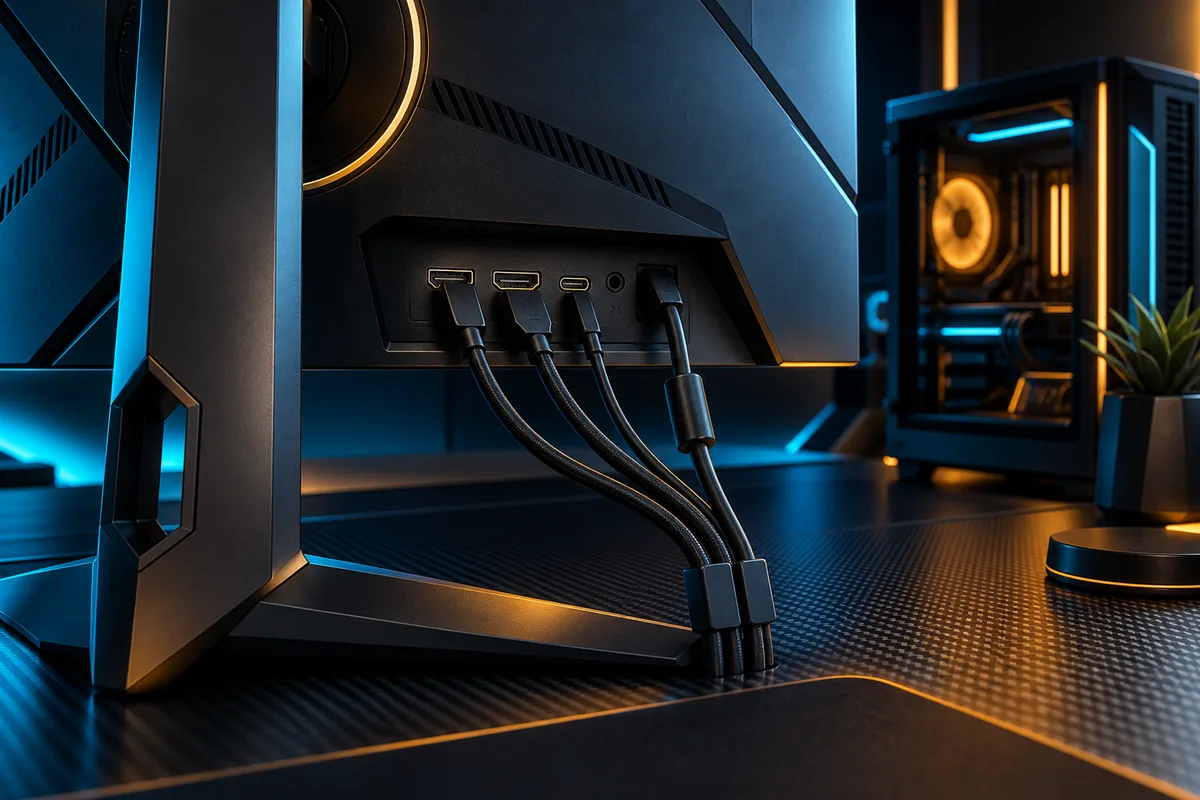
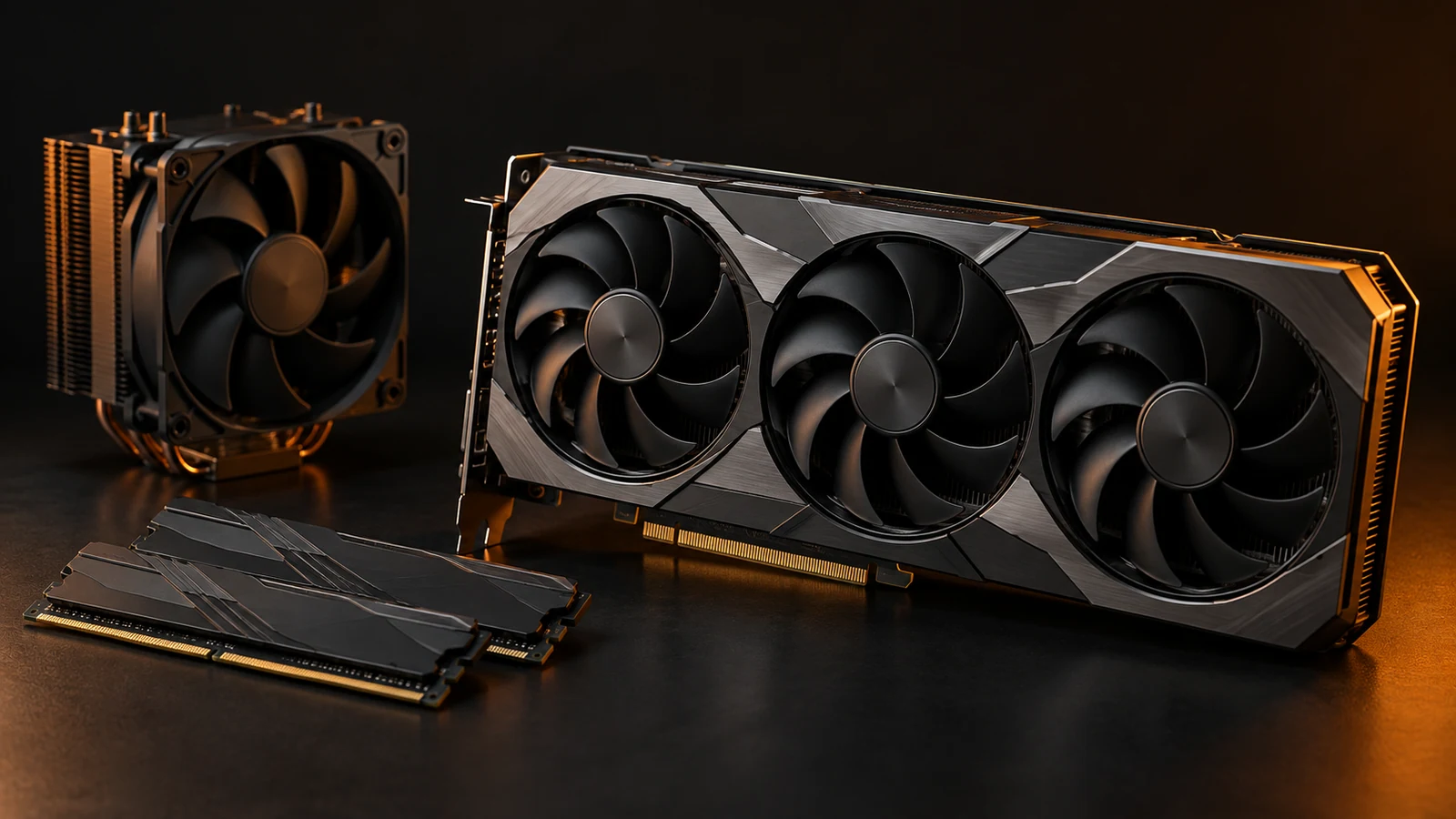
Check the exact component against the motherboard socket and firmware, case clearance and cooling path, power-supply capacity and connectors, memory or storage interface, and display connection. The candidate part is only useful when the whole path supports it.
Use the manufacturer documentation for the exact model. Platform requirements can include firmware updates; for example, AMD documents chipset and processor support by socket and platform rather than by a generic generation label.
Retest
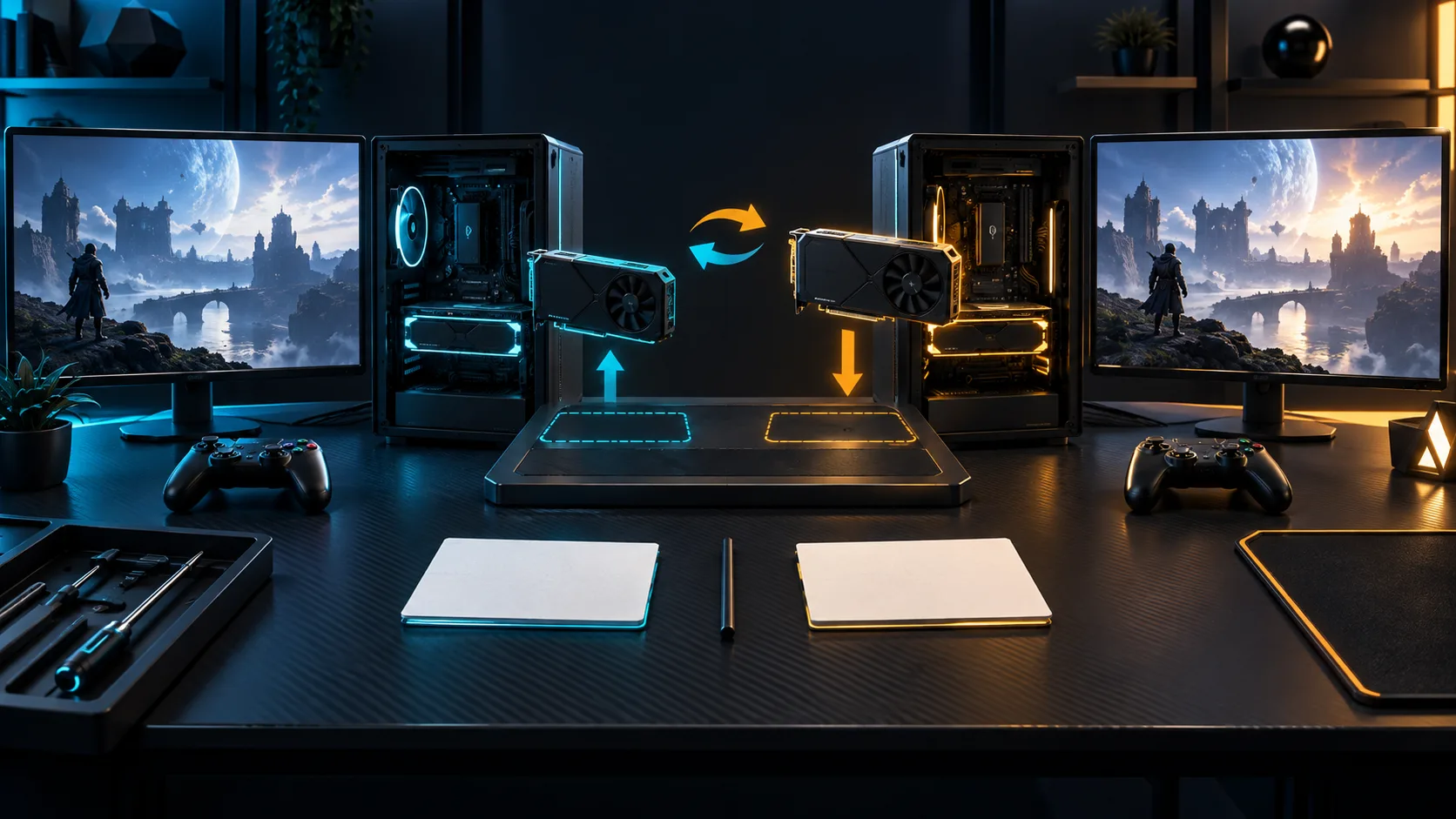
Change one part and retest the same routine
Record a baseline in the same game, settings, display target and session. Change one component, keep the original part and your recovery path available, then repeat the routine once the system is stable.
Compare the same observable result and note side effects such as noise, thermals, software changes or new compatibility issues. A clean comparison is more useful than a promise about a particular frame-rate number.
DECISION MATRIX
Compare the checks that matter.
Use this summary to keep your decision focused before you compare specific options.
| Decision | Compare | Confirm before buying |
|---|---|---|
| Constraint | The symptom and resource pattern during a repeatable game scenario. | Check the same game, settings and display target before naming the limiting part. |
| Compatibility | Motherboard, case, power supply, memory, storage and display path. | Verify the exact requirements in the component and platform documentation. |
| Evaluation | One component change against a recorded baseline. | Retest the same routine and record the result plus any side effects. |
TRADE-OFFS
Choose the compromise that fits.
Neither option is universally better. Match the trade-off to your situation and verify the exact conditions.
OPTION 01
Upgrade the visible bottleneck
- Works when
- The same limitation appears across the games and settings you actually use.
- Watch for
- A symptom can come from another component, background process or configuration.
OPTION 02
Upgrade the platform first
- Works when
- Your current board, memory or power path blocks a viable single-component change.
- Watch for
- A broader change needs more compatibility checks and a larger validation loop.
QUICK ANSWERS
Frequently asked questions.
Should I upgrade the GPU first?
There is no universal first part. Identify the repeated limiter in your games, settings and display target, then verify that the candidate change addresses that pattern.
How do I know if an upgrade helped?
Record a baseline in the same game, settings and routine, change one component, then observe the same metric or experience and note side effects. Avoid judging from one unusual session.
SOURCES & VERIFICATION
Check the primary guidance.
These official references support the general checks in this guide. For a specific product or service, confirm the current official documentation before buying or subscribing.